Manage GitHub Copilot Sessions Remotely Across Devices
GitHub has introduced remote control for Copilot sessions, allowing developers to monitor and interact with active coding sessions from github.com and GitHub Mobile. Sessions can continue running across environments such as VS Code, CLI, and JetBrains IDEs while remaining tied to the user’s account rather than a single device.
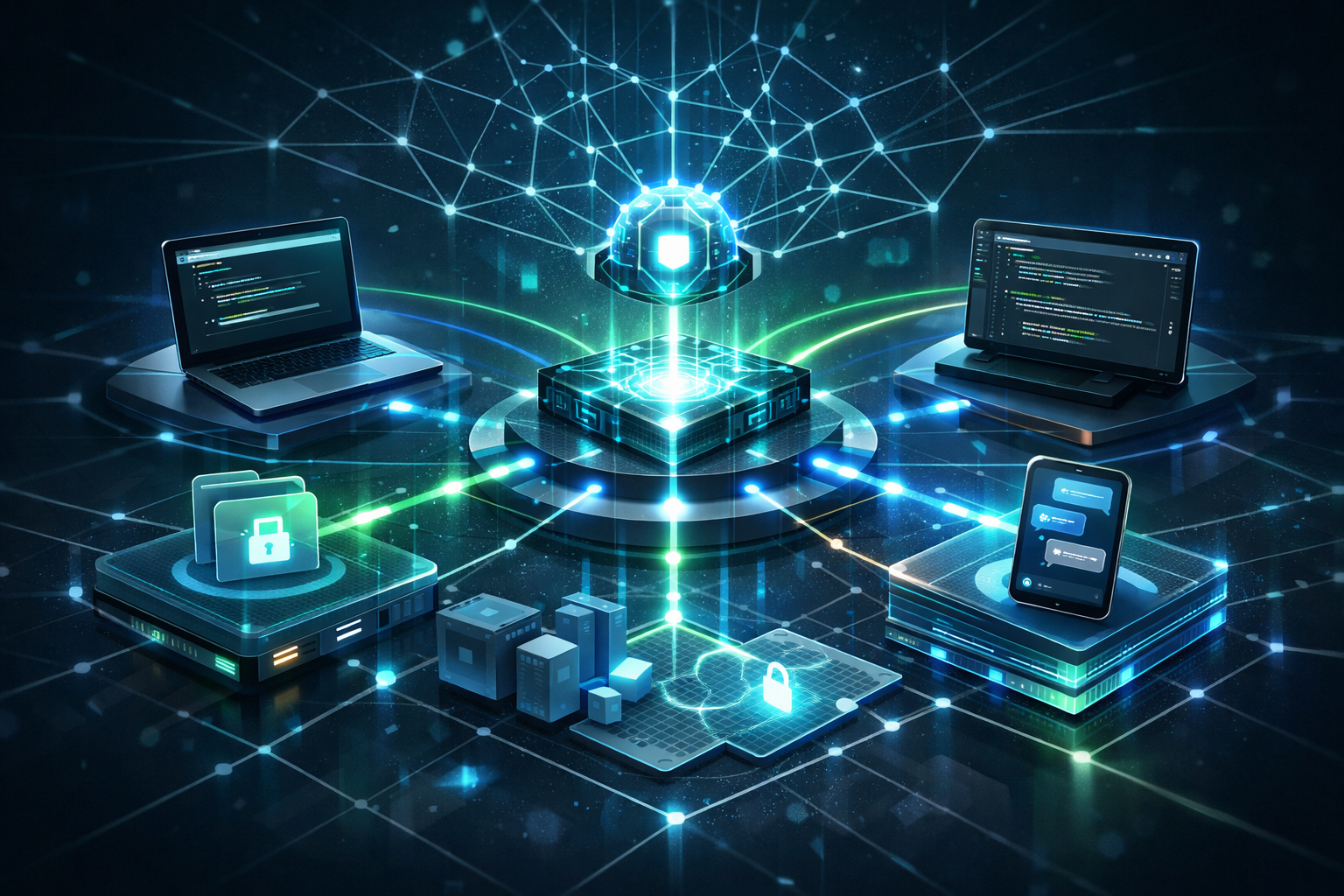
Summary
GitHub has introduced remote control for Copilot sessions, allowing developers to monitor and interact with active coding sessions from github.com and GitHub Mobile. Sessions can continue running across environments such as VS Code, CLI, and JetBrains IDEs while remaining tied to the user’s account rather than a single device.
Key Updates
- Remote control for GitHub Copilot sessions is now generally available on github.com and GitHub Mobile.
- Developers can start sessions from VS Code or the CLI and continue interacting with them remotely.
- Sessions support repositories as well as standalone directories outside Git workflows.
- Users can monitor progress in real time and send follow-up instructions using natural language.
- Sessions remain private and are visible only to the authenticated user.
Why It Matters
The signal is broader than mobile access to coding sessions.
Development workflows are gradually shifting away from device-bound environments toward persistent execution contexts that can be accessed from multiple interfaces. In this model, laptops, desktops, browsers, and phones increasingly act as control surfaces connected to long-running development sessions.
This aligns with a wider movement toward asynchronous and agent-assisted software workflows, where execution may continue independently from the developer’s active device. The important change is not simply remote access, but the growing separation between the user interface, the execution environment, and the developer’s identity.
Builder Takeaway
Teams experimenting with AI-assisted development workflows should evaluate how persistent sessions, remote execution, and cross-device continuity affect collaboration, security, and operational visibility. The long-term shift may be less about “coding on mobile” and more about portable access to continuously running development environments.
Sources
- Take your local GitHub sessions anywhere - GitHub Blog
How strong is this signal for builders?
Signal feedback is stored anonymously and used to improve Tech Radar editorial quality.
If this was useful, we can send you the next one.
We follow changes in software, AI, and infrastructure—and explain what they mean for people building and running systems.
Sent by uniQubit · 1407 - 177 Nonquon Rd., Oshawa, ON L1G 3S2, Canada · info@uniqubit.ca
Privacy policy · Your confirmation email includes the controls to unsubscribe or change tracking.
Want more operational technology signals?
Follow uniQubit Tech Radar or contact uniQubit about a product, partnership, or operational software need.